
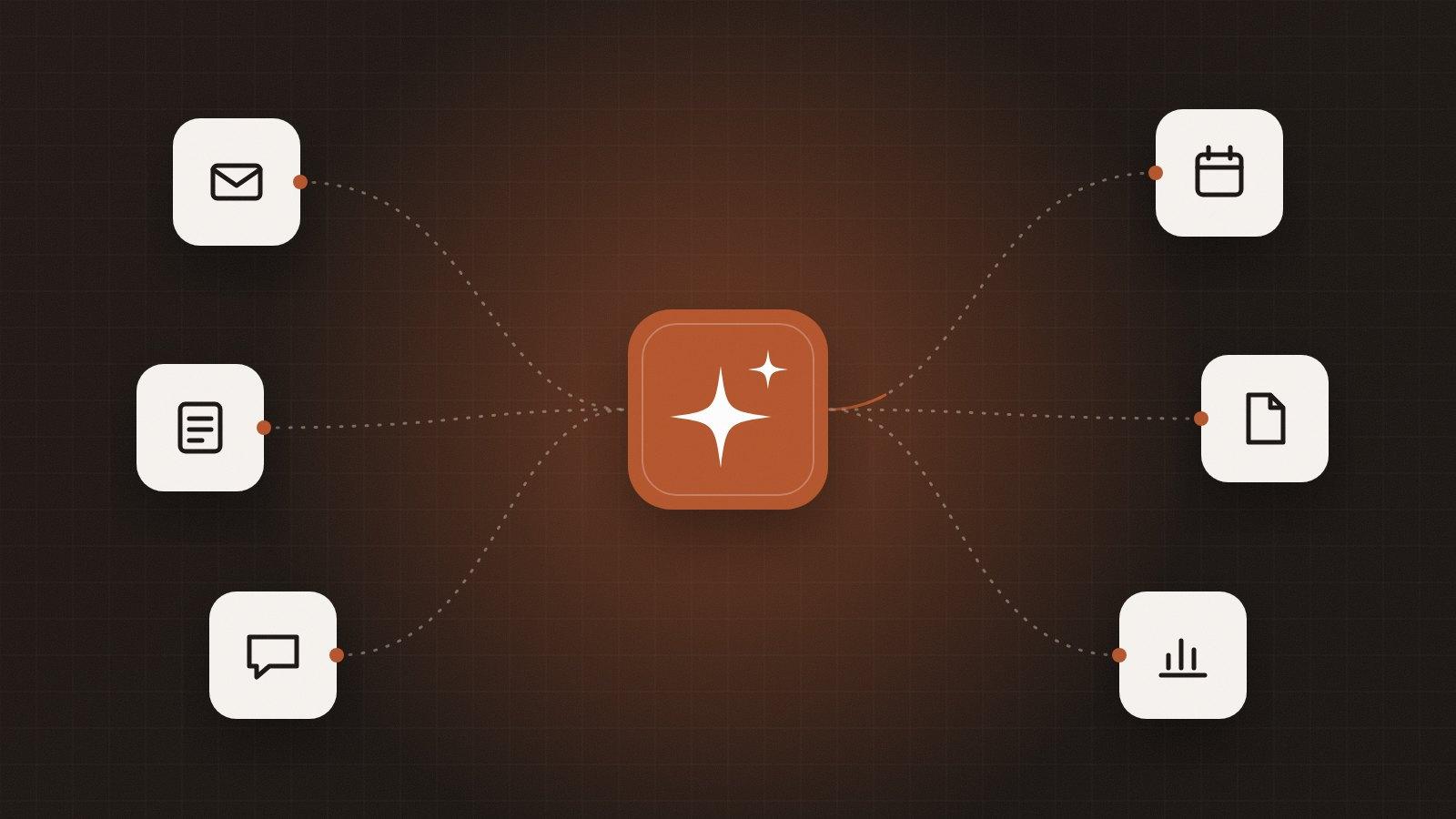
AI tools and automation platforms have made it possible for small teams to work like larger ones. The trick is choosing the right tasks: repetitive, rules-based work that eats hours each week but doesn't need your judgment every time.
Here are seven good places to start.
1. Lead capture and instant follow-up
When someone fills in your contact form, they're most interested right then. An automation can:
- Add the lead to your CRM with the source it came from.
- Send an immediate, personal-sounding confirmation email.
- Notify you or your team, and create a follow-up task.
You still write the real reply, but nobody waits hours to hear back.
2. Appointment scheduling and reminders
Online booking removes the back-and-forth of finding a time. Pair it with automatic confirmations, calendar invites and reminders the day before and an hour before, and you'll see fewer no-shows and far fewer "what time was it again?" messages.
3. Answering common customer questions
A chat assistant trained on your FAQs, policies and service pages can answer routine questions at any hour: opening times, pricing ranges, how a process works. Set it up to hand off to a person for anything complex or sensitive.
4. Drafting content
AI is a useful first-draft partner for product descriptions, social posts, email newsletters and blog outlines. Always edit the result: add your expertise, check facts and make sure it sounds like you. Readers can tell when content has nothing real behind it.
5. Data entry and document processing
Copying details from emails, receipts or forms into spreadsheets is ideal for automation. Tools can extract the fields you need and drop them into the right system, with a person reviewing anything that looks unusual.
6. Reporting
Instead of building the same weekly report by hand, connect your sources, such as your website analytics, ad accounts, store and CRM, to a dashboard that updates itself. Then spend your time on what the numbers mean.
7. Invoicing and payment reminders
Automatically create invoices when a project milestone is reached, send polite reminders before and after the due date, and update your books when payment arrives.
Guardrails that keep quality high
Automation should make your business feel more responsive, not more robotic:
- Keep a human in the loop for anything customer-facing that's complex, emotional or high-stakes.
- Protect data. Only connect the tools you need, use strong access controls and don't paste sensitive customer information into tools that aren't approved for it.
- Check the output. AI can be confidently wrong, so review facts, figures and anything that goes out under your name.
- Start small. Automate one workflow, measure the time saved, then move to the next.
Where to begin
Write down the tasks you repeat every week and roughly how long each takes. The ones that are frequent, predictable and time-consuming are your best candidates.
If you'd like help mapping out what to automate first, book a free 15-minute consultation. We'll look at how you work today and suggest practical, realistic next steps.